
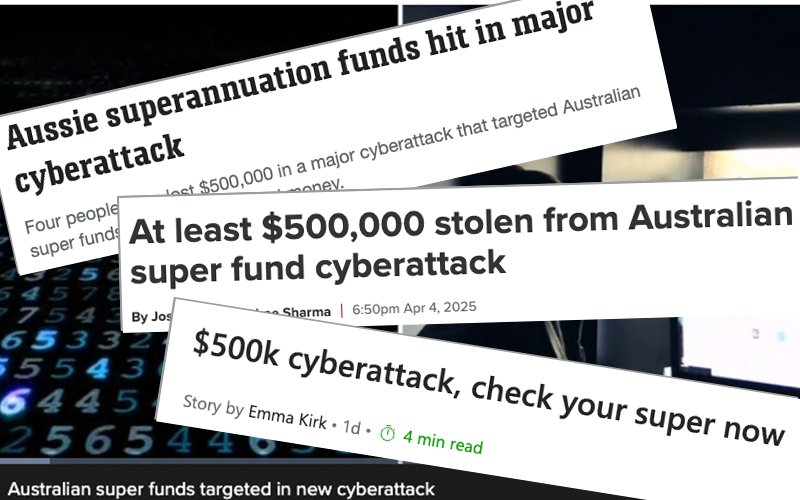
You may have heard about recent cyberattacks targeting Australian superannuation funds. If you are a member of an affected fund, this can be a scary time. So how do you protect your retirement savings from something like this?
What happened?
Attackers gained access to individual accounts using a method called credential stuffing. This happens when criminals use stolen login details (from unrelated data breaches) to try to log in to other services—like your super fund.
How to stay safe
Protecting yourself from these attacks is simple. Follow these steps:
- Use a unique, strong password for every service.
(Don’t reuse the same password across different sites.) - Turn on two-factor authentication (2FA) wherever it’s available.
(It adds an extra layer of security, even if your password is stolen.)
What is “credential stuffing”?
Credential stuffing is when attackers use stolen login details from one website to try to access other sites.
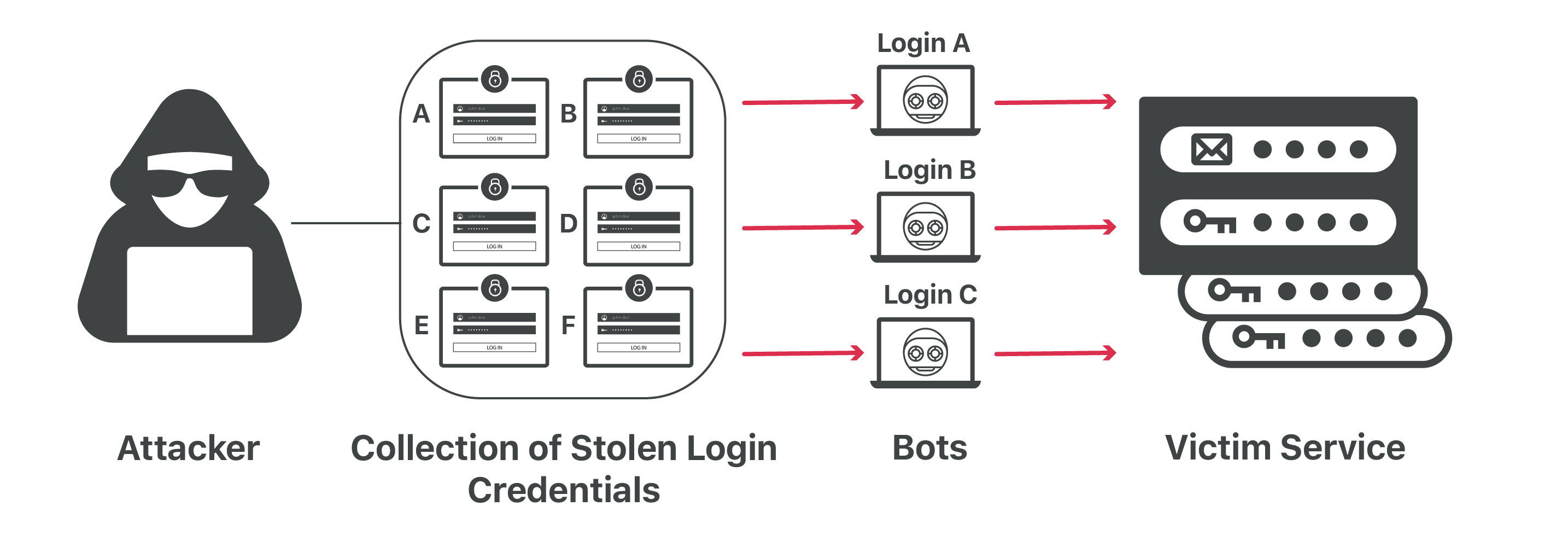
Here’s how it works
- Attackers collect or purchase stolen login details (usually email addresses and passwords) from previous data breaches. These are often found on the dark web.
- They use automated bots to try these credentials on various websites—like superannuation fund portals.
- If you’ve reused your password, and there’s no 2FA on your account, they can log in and take full control.
Even though the success rate of credential stuffing is low (around 0.1%), attackers use millions of stolen credentials, making it worth their effort.
If your super fund was affected
- If you’ve been impacted you will hear from your fund: Funds are contacting all affected members to let them know and are helping any whose data has been compromised.*
- Update security measures: change your password and turn on multi-factor authentication (MFA) in your fund management account.
- Remain vigilant: Watch out for suspicious activity on your account and be alert for scams.
Essential security for everyone
- Always use LONG, strong, unique passwords or passphrases. See how to create strong passphrases at cyber.gov.au
- Turn on two-factor authentication. Learn about multifactor authentication at cyber.gov.au
- Stay informed about data breaches that may affect you. Register to be notified if your email address is in a data breach at HaveIBeenPwned.com
It’s a small effort that can make a big difference in protecting your finances.
Helen Smith
Computer Class Leader
* According to this ABC news report