
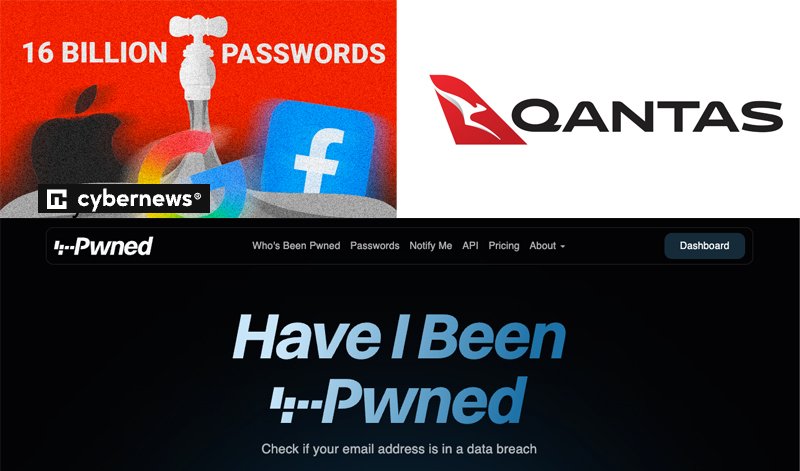
There have been a couple of big security issues in the news recently, either of which may have affected you.
While Qantas has informed affected customers, you may also be affected by other data breaches you don’t hear about. The Australian website Have I Been Pwned is a useful source of information about data breaches. You can register to be notified when your email address appears in a data breach that the website owner, Troy Hunt, finds out about.
Billions of logins leaked online
A recent news item claimed a total of 16 billion credentials (usernames and passwords) were leaked online, including user passwords for Google, Facebook and Apple.
How did this happen?
Researchers from Cybernews who discovered the stolen data believe that it was collected using “infostealers” rather than from data breaches of the sites.
“Infostealers” are malware (malicious software) that breach a device such as a computer or phone and then extract information and send it to the “bad guys”.
How can you protect yourself?
- Avoid getting infected with malware. Make sure your computer and (Android) phone have up-to-date anti-malware tools running. Windows Defender is free and built-in to Windows computers. Mac computers are less under attack but they also need anti-malware. Run regular full system scans.
- Keep all your software up-to-date – both your operating system and your apps.
- Only download apps or other software from reputable sites and avoid visiting “dodgy” websites.
- Don’t click links or open attachments in emails or messages unless you are sure they come from people you trust. Malware can hide on webpages and in attachments without you knowing.
Qantas data breach
Six million customer service records were stolen from a Qantas contact centre. While the data stolen appears NOT to include financial information, passport details or passwords, some customer names, birth dates, phone numbers and email addresses were in the data.
If you were affected, Qantas will have already notified you and told you what data of yours was involved.
What to do if your data is in a breach
- If you believe your login has been stolen – change your password at once and also change any similar passwords on other accounts.
- Be extra aware of potential scams. The “bad guys” may send emails claiming to be from Qantas or other companies or government agencies. When they have more data about you they can generate emails and messages that look more real, by using your name, your birth date and other stolen information. Scamwatch is a great resource.
- Watch out for attempts to get your multi-factor authentication codes. NEVER give these out over the phone and only enter them into trusted websites. Check the web address first.
- Consider requesting a free credit report from each of the three credit rating agencies in Australia: Equifax, Experian and Illion. These can alert you to identity theft – the “bad guys” assuming your identity and making large purchases in your name. See this Government advice.
Practise good cyber hygiene at all times
- Use LONG passwords or passphrases and use a UNIQUE password or passphrase for each account. Better still, if PASSKEYs are available for an account, set one up – they’re safer than passwords and passphrases.
- Use multi-factor authentication wherever it is available. This involves a code sent to your phone or email that adds a second layer of verification.
- Avoid public wifi for any sensitive information or online transactions.
- Be aware of the latest phishing tricks and be sceptical about unknown contacts. Keep your personal data as private as you can.
- Backup your data regularly.
- Keep an eye on your financial accounts – check your statements regularly. Better still, don’t wait for the statement, go online and review your transactions more often.
Get help at “Appy” Hour
Our “Appy” Hour sessions can help you work through what you need to do to keep safe online – or any other tech issue you may have. See Snippets for more information.
Helen Smith
Computer class leader