
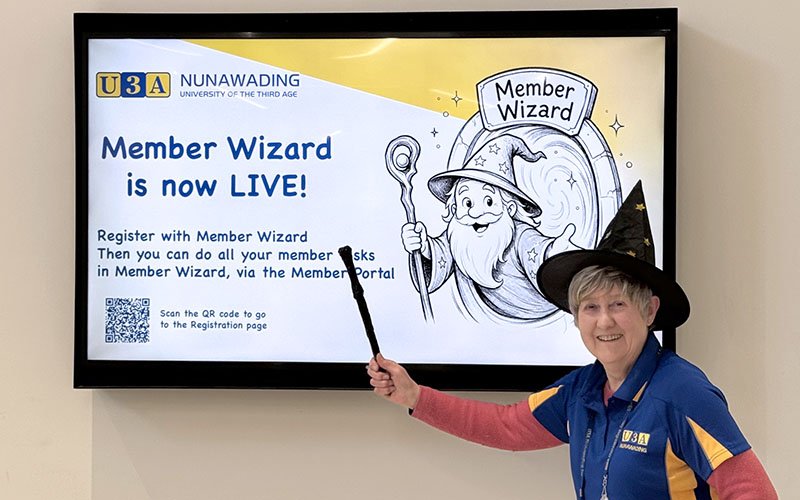
Thank you to the entire project team who made this possible, and who helped ensure there were no significant issues, and to all the Leaders who attended the Leaders’ Information Session.
Thank you also to everyone who has already registered in Member Wizard. However, as our President said in his newsletter item there are still many members who have not yet registered and need to do so before enrolments in November. Registration is via the Member Portal
What’s in a name?
Both our old and new Membership systems allowed for two first names – the “formal” or legal First Name, and a friendly Preferred Name. The Preferred Name appears on your name badge and attendance sheets.
However, Member Wizard doesn’t always use the Preferred Name in emails and reports. To overcome this, we will simplify names down from two to just the Preferred Name. eg a member named Christine prefers to be called “Chrissy”. We will only save the name Chrissy now. Similarly many of our Asian members have an anglicised Preferred Name – eg “Hong” prefers “Jenny”.
Over the next month or so we will reset names to be just the Preferred Name wherever it is different, and the field will be called “Preferred First Name”.
If you prefer your Preferred First Name to have both formal and friendly name, eg “Hong (Jenny)”, just contact Course Admin to make the change.
Apologies / absences
You may have noticed that since printing the Member’s Guide, the Absence function has changed. You can now enter a date range covering all (or some) of your classes at once, rather than having to do each class individually.
When saving your absence, if you see a pop up message “No Emails were sent” that just means your class leader has elected not to receive absence emails. Your absence is still registered. You can check your recorded absences under Manage Absences.
No need to put “Tutor Notes” in when submitting an absence as most Class Leaders have decided not to receive absence emails. Also, if Course Admin enter an absence for you, Member Wizard does not send a confirmation email to you.
Need help registering or using Member Wizard?
Our Reception Desk volunteers may be able to help, or can redirect you to the Duty Committee member, or book an “Appy Hour” time for you. There is also comprehensive Help on our website
If you need help registering, you must bring a device which can access your emails. You need to open your emails to complete registration.
Course Administration Team