
A number of new computer courses are available with the start of the new term. While many of the face-to-face sessions are full, there is still room in the classes below. And see our online safety tip for the month – “How to avoid scam phone calls”.
Face-to-face sessions at the Hub
- 22COM313 Getting the most from Microsoft 365 – Tuesday, 2pm from 26 July. Microsoft 365 – formerly Office 365 – provides you with Word, Excel, OneDrive and other software through a paid subscription service for your Windows or Mac computer. The service is also accessible from smartphones and tablets. See how you can use these products and storage on all your devices and how to connect your smart phone and tablet.
- 22COM303 Android Smartphones for All – Thursday, 2:30pm from 11 August. Help for Android users who have some specific problems with using their phones
Find answers to your questions
- 22COM325 Windows (10+) Basics and Beyond Q&A – Tuesday, 3pm from 12 July. Learn how to solve some of your own issues with your Windows computer and know where to go for extra information or help.
- 22COM013 Questions and Answers – Thursday, 1pm ongoing. Answers to your computer, iPhone and iPad questions and ongoing security discussions.
Improve your online security
- 22COM309 Decoding Web Addresses – Thursday 1pm, 11 August (one day only). Protect yourself against many online scams by learning to read and interpret website addresses.
- 22COM319 Secure Your WiFi – Thursday 1pm, 25 August (one day only). Your WiFi box is a small computer and at risk of being hacked, just as your other devices are. Learn how to change your home WiFi settings to improve your online safety.
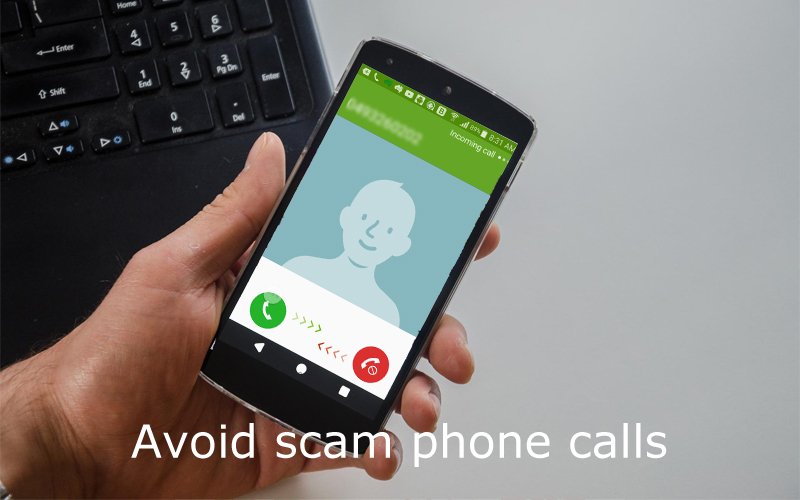
Online safety tip – Avoid scam phone calls
If you don’t recognise a phone number, don’t answer the call. If it is a ‘real’ call, the caller will leave a message and you can call back.
Bonus tip: If you use your mobile phone, not only can you see the caller’s number, you can see their name if they are in your contact list. If you prefer your landline phone, make sure you can check the number on the screen before you answer.
Extra bonus tip: NBN, Telstra, Microsoft or any other big company will NEVER call you to ‘help’ you solve a computer problem. If they say that’s who they’re from it’s a scam! Hang up immediately – there’s no need to be polite.