
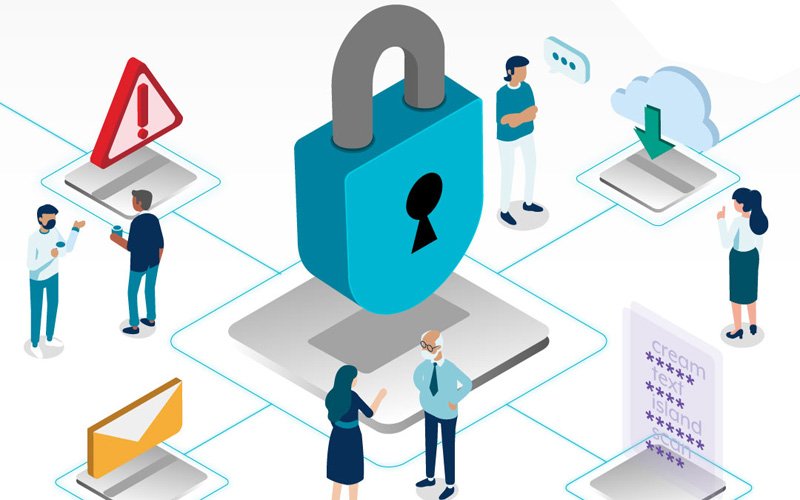
October is Cyber Security Awareness Month, a time to review your cyber awareness and upgrade your protection. If you find it’s too hard, get help from your family, friends or U3A and take action to secure your devices and accounts from cyber threats. Just four simple steps can make a big difference.
Four simple steps
The following advice is adapted from cyber.gov.au’s Cyber Security Awareness Month 2024 resources. They recommend four simple steps you can take to improve your cyber security:
1. Turn on multi-factor authentication
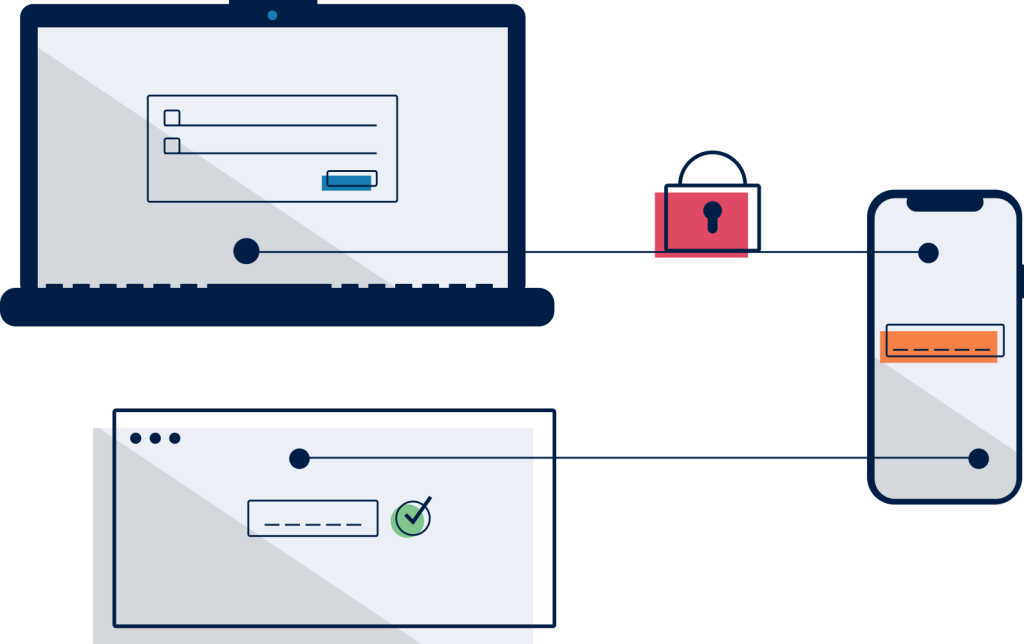
Multi-factor authentication is also called two-factor authentication or two-step verification and other similar terms. All these terms refer to an extra step after entering your username and password to access your online accounts.
The extra step involves you using:
- something you HAVE (such as your phone) or
- something you ARE (such as your face id) to prove you are who you say you are.
This is a great way to stop “bad actors” from accessing your accounts and is recommended for all your important accounts – including your email account.
For more information see this page from cyber.gov.au
2. Keep your devices and software up-to-date
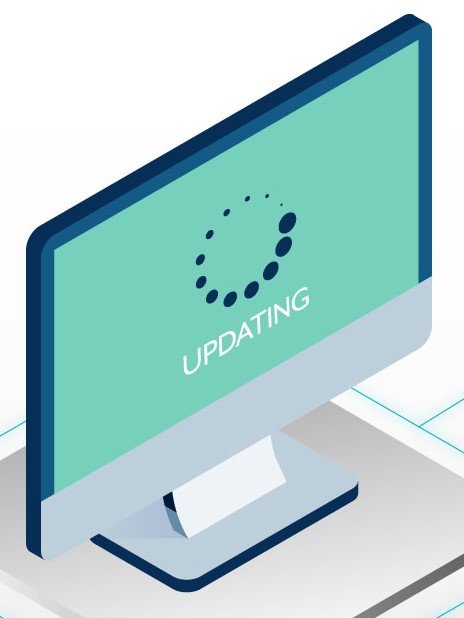
Keeping your devices and software up-to-date plugs the ‘holes’ that might let the ‘bad actors’ in.
Most devices and software allow you to set automatic updates, so make sure automatic updates are ON and install updates as soon as possible to block up any security holes.
For more information see this page from cyber.gov.au
3. Use strong and unique passwords, such as a passphrase
Using a different password for EVERY account is important to keep yourself safe online. ‘Bad actors’ use data breaches to steal passwords and then try these out everywhere else. So if you reuse a password you make it easy for them to break into other accounts.
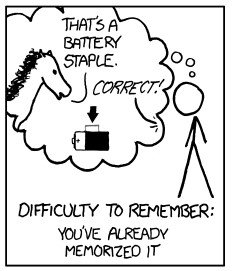
Don’t try to remember passwords – memorable passwords are usually weak ones. It’s OK to write your passwords down in a book as long as you keep that book safe where it won’t easily be found. Better still, use a Password Manager to help you generate safe passwords and store them safely.
Safe passwords are at least 12 characters long and use a mix of upper and lower case, numbers and special characters. Passphrases are even safer, using 4 or more random words such as the classic example ‘Correct Horse Batter Staple’. (Hint: don’t use any of these well-known ones!)
4. Recognise and report phishing
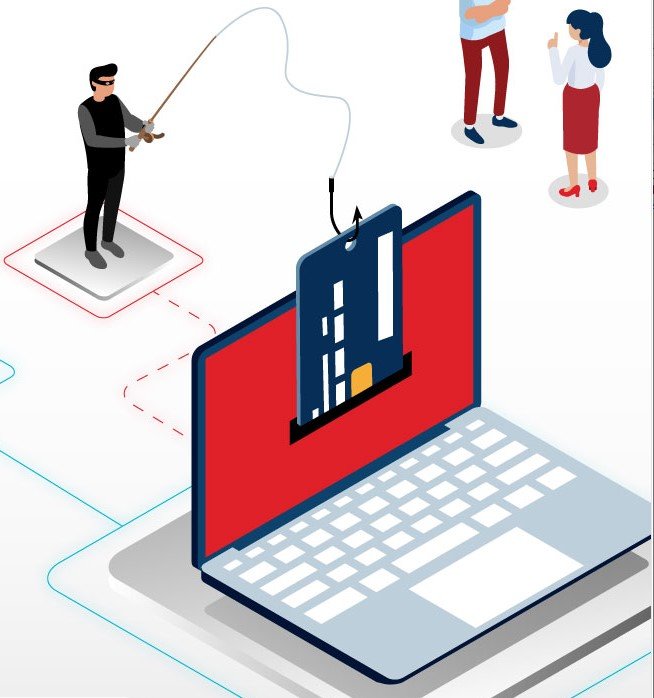
Scammers use phishing as a way to trick you into giving them personal information, such as your login or credit card details.
If you spot a scam, report it to help others avoid getting caught.
There’s lots of information on how to avoid phishing and other scams. See these links for a start:
- https://www.cyber.gov.au/threats/types-threats/phishing
- https://beconnected.esafety.gov.au/topic-library/identifying-and-avoiding-scams/phishing-scams
- https://beconnected.esafety.gov.au/topic-library/articles-and-tips/phishing-scams-explained
Helen Smith
Computer leader