
New Zoom Classes
You can enrol in these new Zoom classes or any Zoom class by logging into the U3A Nunawading Enrolment System via our website u3anunawading.org.au using your membership number and password. If you have a problem you can email . All zoom classes commence with the code 20AAOL.
20AAOL06 Zoom: Australian Music Quiz
Tuesday 1.00 – 2.00
Leaders: Kathy Leitch and Peter Rickards
Join in and test your knowledge whilst conversing with other music buffs. It is all Australian singers and groups from the 60s to the present day. A 30-second audio is played and then those listening can have a go at writing down the musician or group, and the song title. The answer is then played and some information about the history. It is a bit of fun and something to do.
20AAOL20 Zoom: People in Australian History
Wednesday 3.00 – 4.00, commencing 7 October
Welcome new Leader: Matthew Walter Etty-Leal
The course covers eight leading Australians who have made a lasting impact through their business acumen, political expertise, and creative skills. Classes will be highly interactive, with attendees encouraged to participate.
20AAOL66 Zoom: Getting the Most from your Gmail Service
Friday 9.00 – 10.30, commencing 4 September
Leader: Tony Widdows
This is a repeat of course 20AAOL65 held earlier this term.
Gmail is one of the world’s most popular email services. It is a capable service and can be also used together with your other email addresses. This teaching course will cover how to use Gmail on computers, tablets and smartphones. We will include techniques to keep your email account secure.
PREREQUISITE: You need to be able to connect to Zoom.
20AAOL68 Zoom: Getting The Most From Your Cloud Services 2
Friday 1:00 – 2:00, commencing 11 September
Leader: Tony Widdows
This is a repeat of 20AAOL67 held earlier this term.
Cloud-based services are indispensable. This demonstration and discussion course will provide updated advice on which of the major free and paid cloud services are good value for different purposes, and how they may be mixed and matched across all your devices. We will discuss and contrast Google Drive, Microsoft OneDrive, Apple iCloud and Dropbox. PREREQUISITES: You need to be able to connect to Zoom. Suitable for anyone who connects to the Internet and has to share or store information.
Zoom Leaders meeting
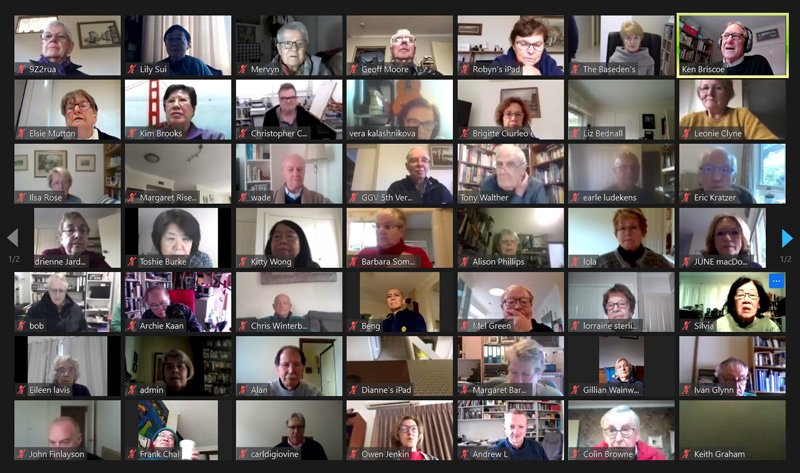
A Leaders meeting was held on 6 August over two sessions to allow for the number of participants on Zoom. At the meeting Leaders were updated on relevant information for 2020/21 and questions were asked and answered. A big thank you to those who are holding classes on Zoom and keeping our members connected.
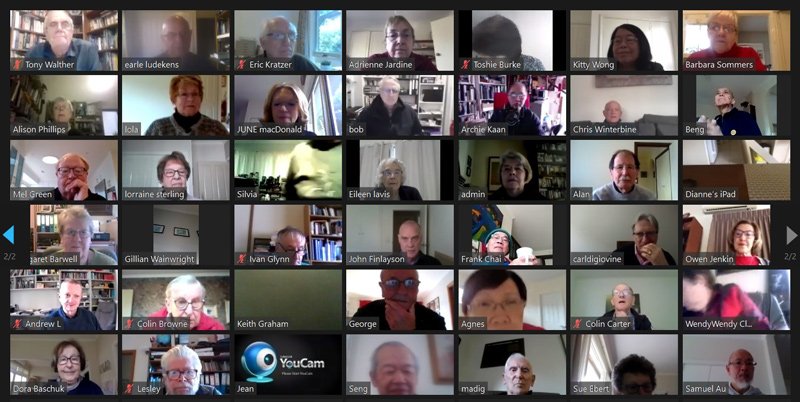
If you would like to join a Zoom class but are unsure what equipment you need or how to use it, help is available. Email and one of the Zoom support team will contact you.
Stay well, stay safe and stay connected,
Elsie